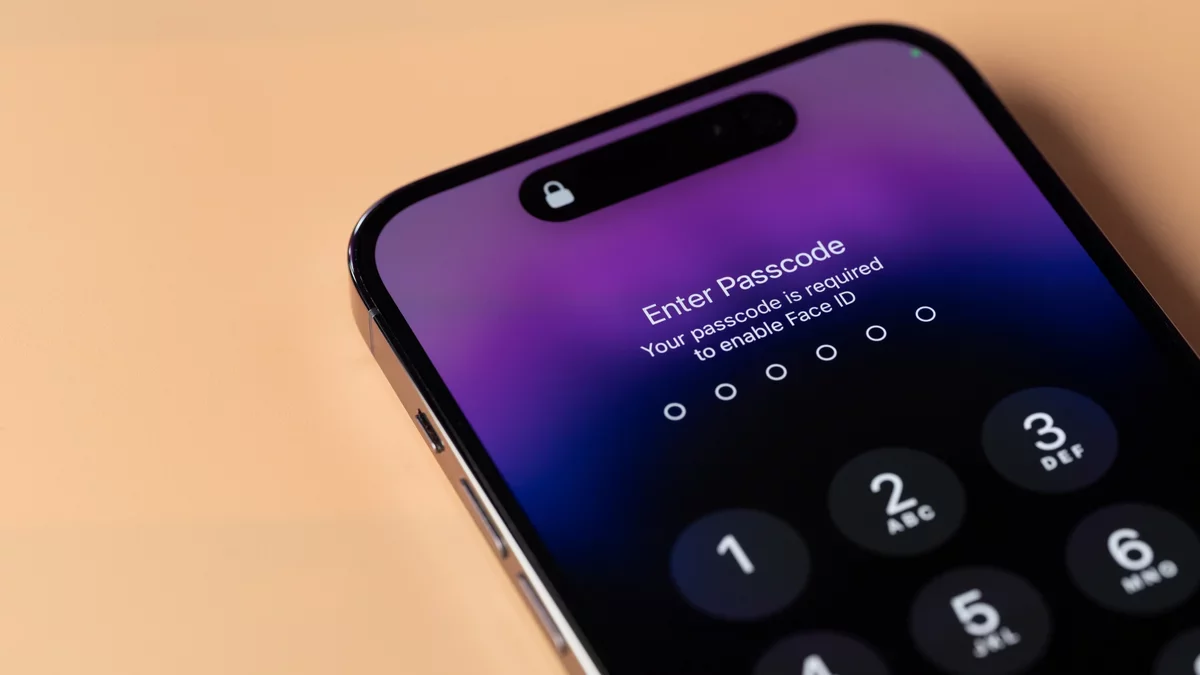
In a notable incident earlier this year, the FBI made headlines when it conducted a raid on the home of a journalist from the Washington Post. This event highlighted serious concerns about privacy and the integrity of journalistic work. Among the devices seized were personal gadgets and a laptop issued by the Washington Post, containing sensitive information.
However, the FBI faced a challenge when attempting to access the journalist's iPhone, as it was secured with Lockdown Mode. This feature effectively prevented unauthorized access, showcasing a vital tool available not only to journalists but also to any iPhone user who wishes to enhance their privacy.
Understanding Lockdown Mode
Lockdown Mode is a feature available on various Apple devices, including iPhones, iPads, Apple Watches, and Macs. It is specifically designed for users who may be vulnerable to advanced cyber threats, such as politicians, activists, and journalists.
The primary goal of Lockdown Mode is to minimize the risk of cyberattacks by limiting the device's exposure to potential vulnerabilities. Cyber attackers often utilize spyware, which can be installed through various means, including malicious links and file downloads. Lockdown Mode significantly reduces these attack vectors.
To implement this protection, Lockdown Mode restricts several everyday functionalities on your device. According to Apple, the following limitations apply:
Messages: Most types of message attachments are blocked, with exceptions for certain images, videos, and audio. Links and previews are also disabled.
Web browsing: The mode restricts complex web technologies, which may affect how some websites operate, potentially resulting in missing images or fonts.
FaceTime: Incoming FaceTime calls are limited to contacts you've interacted with in the last 30 days, and features like SharePlay and Live Photos are disabled.
Apple services: Invitations for Apple services are blocked unless previously accepted, and certain functionalities may not work as intended.
Photos: Location data is stripped from photos when shared, and new shared album invitations are not received.
Device connections: Your device must be unlocked to communicate with other computers, and explicit approval is required for Mac connections.
Wireless connectivity: Automatic connections to non-secure Wi-Fi networks are disabled, and 2G and 3G cellular support is blocked.
Configuration profiles: Installation of configuration profiles is not permitted, and enrollment in Mobile Device Management is disabled.
While phone calls and standard text messages function normally, incoming calls will not ring on an Apple Watch. Emergency SOS features remain active.
These limitations are designed to deter potential spyware installation, but they also complicate regular device usage. For instance, while shared album invites could carry malware, the complete removal of this feature means missing out on shared moments with friends and family.
Thus, Lockdown Mode is primarily intended for those who may be at risk from sophisticated threats, including potential government surveillance or invasive law enforcement tactics. It's important to note that while the FBI managed to access other devices belonging to the journalist, Lockdown Mode effectively protected her iPhone.
Activating Lockdown Mode
If you wish to enable Lockdown Mode, ensure your Apple devices are running the following software versions:
iPhone: iOS 16 or later
iPad: iPadOS 16 or later
Apple Watch: watchOS 10 or later
Mac: macOS Ventura or later
Apple recommends updating to the latest software version for maximum protection. To activate Lockdown Mode, navigate to the "Privacy & Security" section in Settings. Select "Turn On Lockdown Mode," review the prompt, and confirm your choice. You will need to restart your device for the changes to take effect.