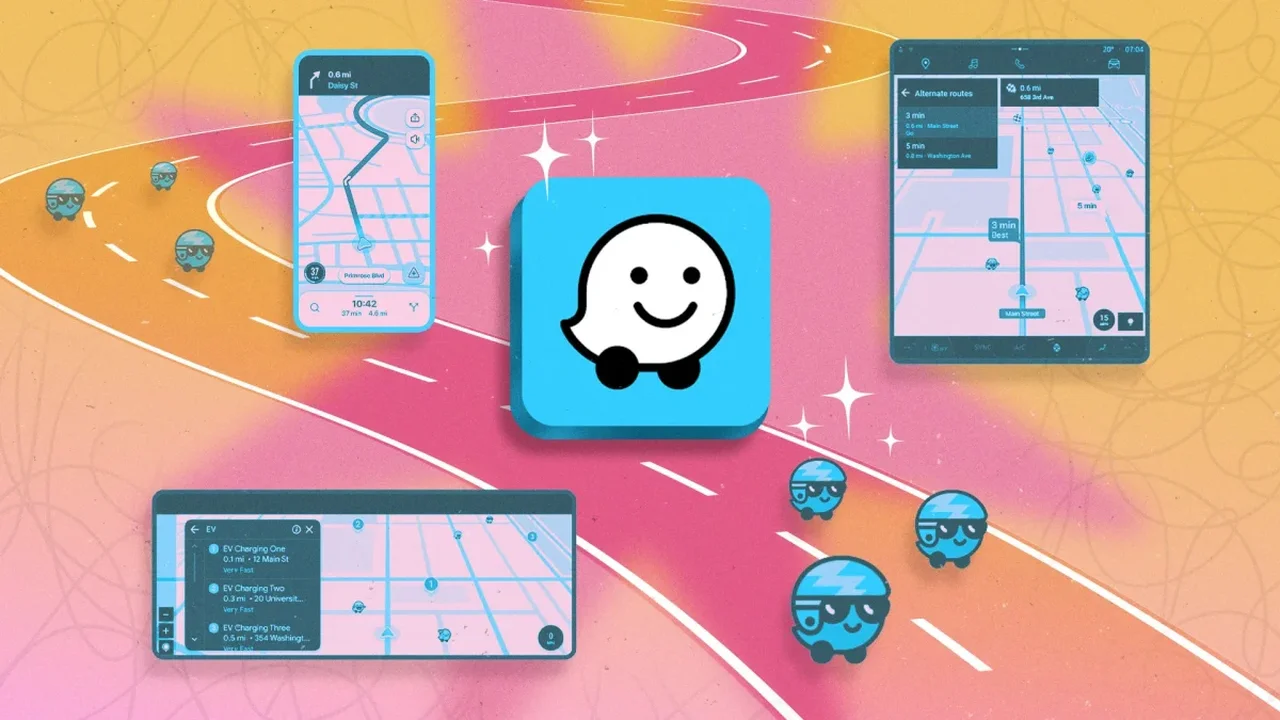
Waze combines navigation with real-time reports from its driving community. A few settings can help tailor its alerts, routes and audio tools to your needs. Here are 10 features worth exploring.
1. Plan around your calendar
Sync your device calendar and plan a drive for an event with a street address. Waze can use live traffic and your location to remind you when it may be time to leave.
2. Create custom reminders
In Settings > Reminders, customize the child reminder with a message such as "Pick up groceries." It can serve as a prompt to check the car before getting out.
3. Set speed alerts
Turn on the speedometer and choose a speeding threshold in Settings > Speedometer. Enable an audio alert to hear a warning when you pass that limit.
4. Choose which reports appear
Waze lets you adjust the alerts shown on your map. Visit Alerts and reports in Settings to select the reports you find most useful and reduce visual clutter.
5. Keep alerts on while using another map
Enable Alert while driving for selected hazards. Waze can then provide audio and on-screen alerts while another navigation app is open.
6. Add toll or HOV passes
Add eligible toll or high-occupancy vehicle passes under Toll and HOV passes to help Waze plan routes around them. You can also specify passenger count when viewing routes.
7. Avoid difficult intersections
Choose the option to avoid difficult intersections in Navigation settings. Waze can prioritize simpler maneuvers, such as roundabouts or right turns, over the fastest route.
8. Control audio without leaving the map
Connect a supported audio service through Waze's player, then use the music icon on the map to manage listening while navigating.
9. Change the navigation voice
Use the speaker menu to select an available voice or language. Waze also offers an option to record custom voice directions.
10. Review privacy controls
Privacy settings let you manage personalized ads, hide profile details with invisible mode, and delete recent locations or navigation history.
With flexible alerts and route preferences, Waze can make everyday navigation more personal--and help connected driving tools evolve around what people need on the road.