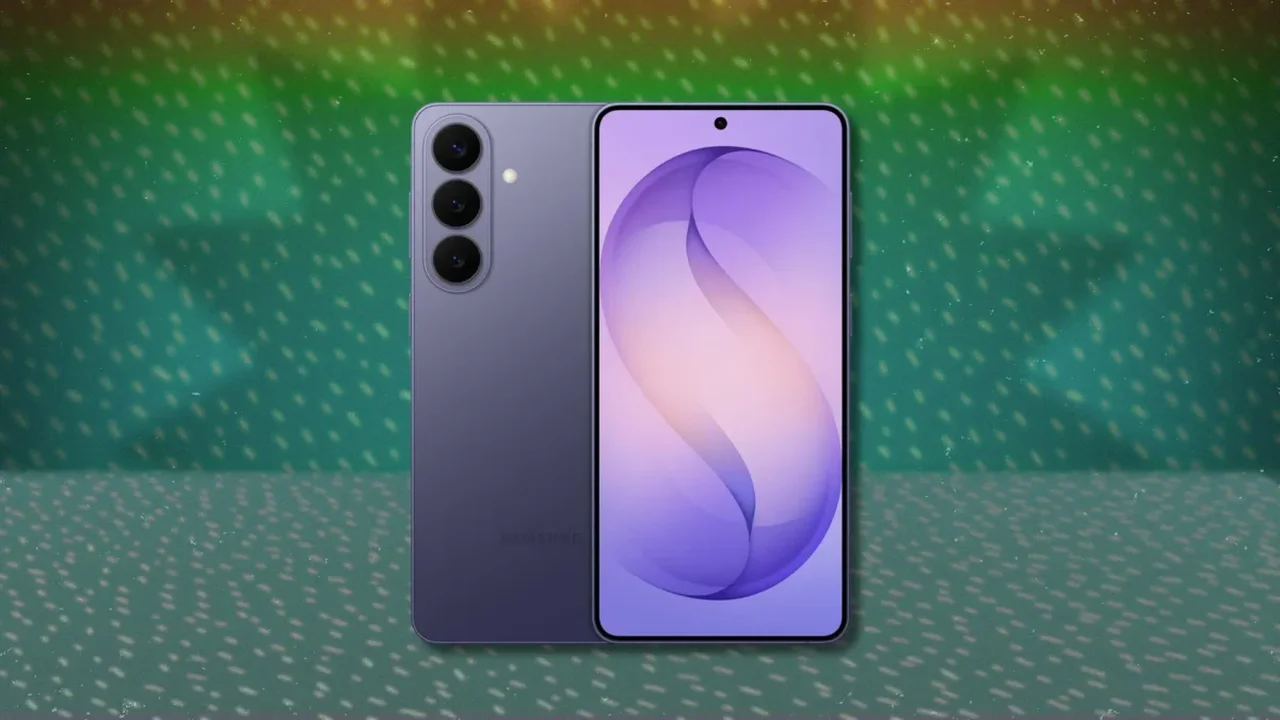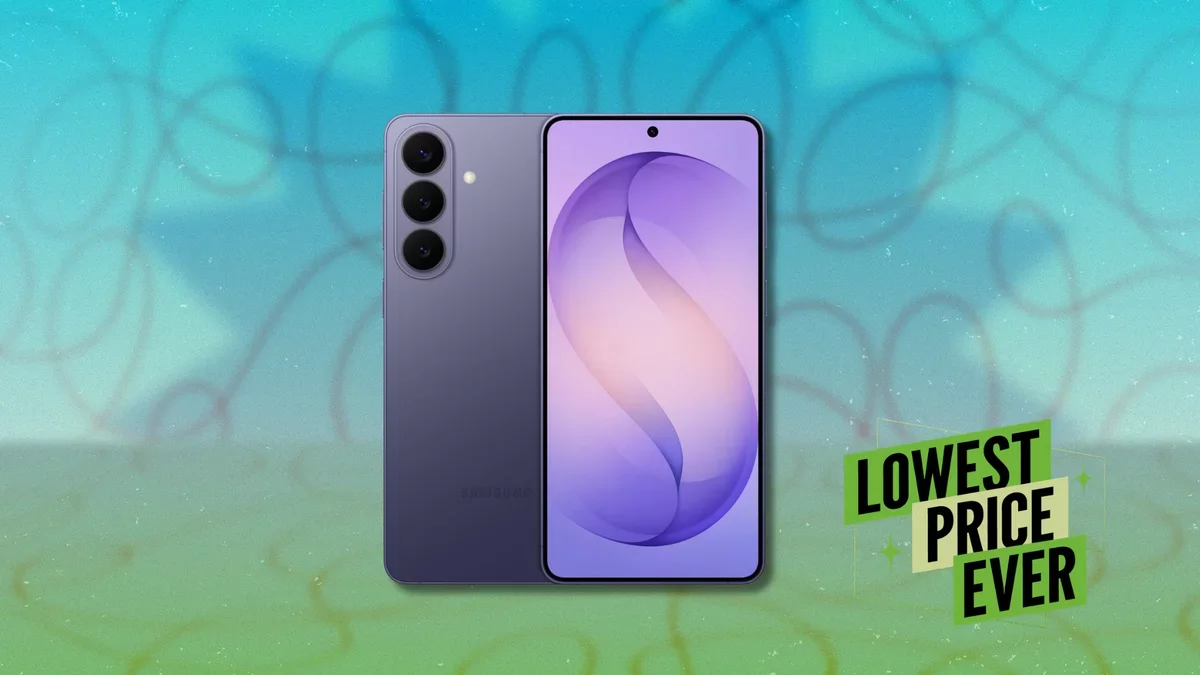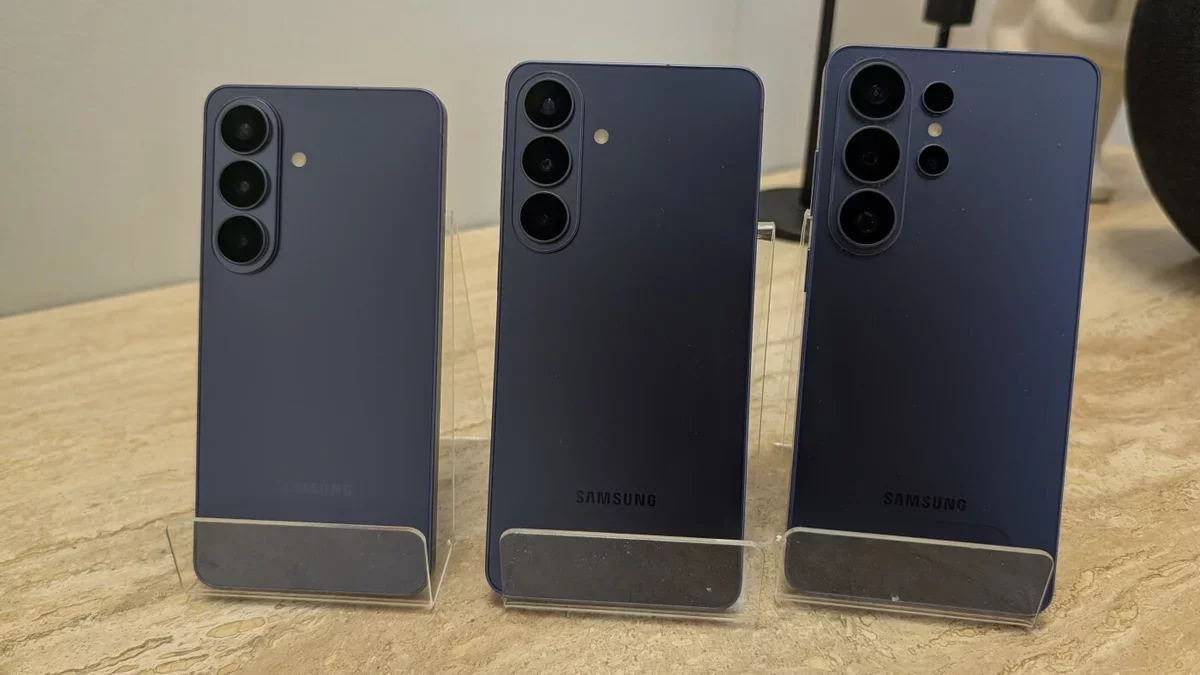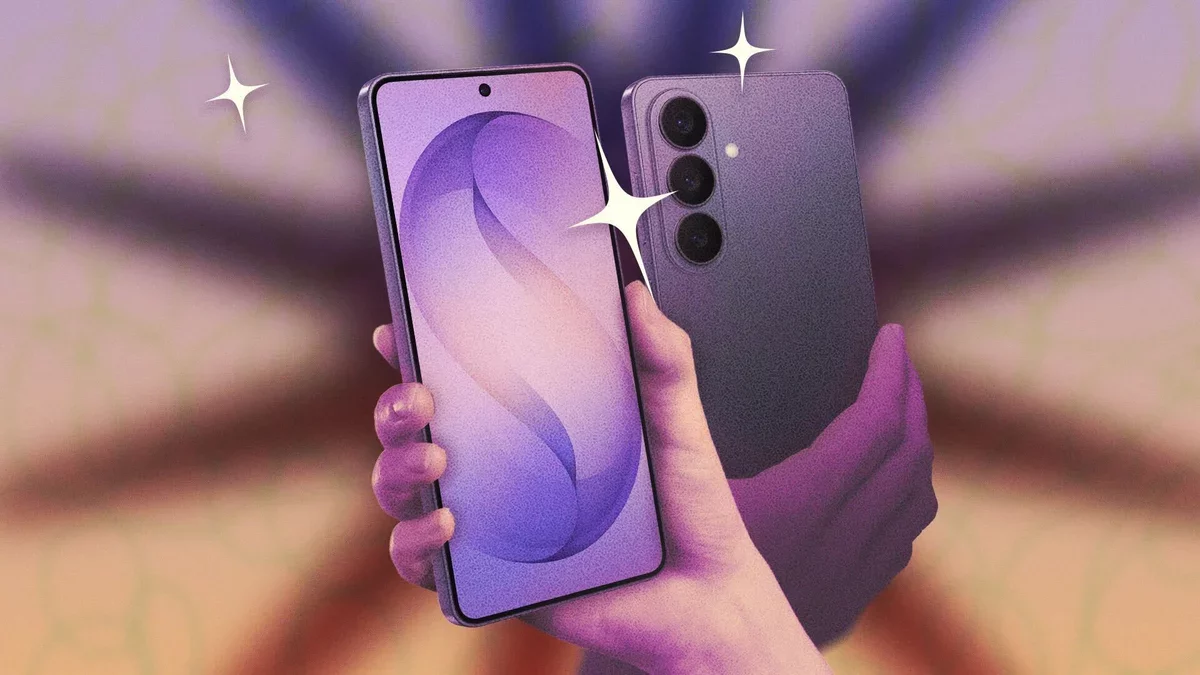
Congratulations on acquiring the new Samsung Galaxy S26! To truly harness its capabilities, explore these ten tips that enhance both the software and hardware features of this flagship device, equipped with One UI 8.5.
Transform Your Galaxy Phone into a Desktop with DeX
Samsung DeX provides a desktop-like experience when you connect your phone to a monitor. With the latest update, you can utilize up to four separate desktop spaces, each accommodating five apps. To activate this feature, navigate to Connected devices > Samsung DeX in your settings.
Utilize Your Galaxy S26 as a High-Quality Webcam
With the Galaxy S26, you can seamlessly use your phone as a webcam for both Windows and macOS. Simply connect via USB-C, select Webcam from the notification, and your device will be recognized in any app that supports webcam functionality. This is especially beneficial for desktop users lacking a built-in camera.
Enhance Privacy with the Privacy Shield Feature
The Privacy Display, exclusive to the Ultra model, obscures your screen from prying eyes, ensuring your content remains confidential. You can enable this feature manually or set it to activate automatically under specific conditions in the Display settings.
Boost Security with Inactivity Restart
Found under Security and privacy > More security settings, the Inactivity Restart feature reboots your device after 72 hours of inactivity, enhancing security by requiring a PIN or password to access your phone post-reboot.
Customize Your Quick Panel for Easy Access
One UI 8.5 allows for personalized Quick Panel configurations. You can edit individual buttons, resize sliders, and arrange the layout to suit your preferences. Simply swipe down from the top-right corner and tap the pen icon to begin customizing.
Automatically Switch Between Wi-Fi and Cellular Data
Navigate to Connections > Wi-Fi and enable Switch to mobile data with AI to allow your phone to automatically transition to cellular data when Wi-Fi is unstable, ensuring uninterrupted connectivity.
Reduce Background Noise in Videos with Audio Eraser
The upgraded Audio Eraser feature lets you adjust background noise in real-time across all videos. Access it via Quick Settings while a video is playing, allowing for enhanced audio clarity.
Real-Time Scam Detection
Integrated within the Samsung Phone app, this feature utilizes AI to detect potential scams during calls. Activate it through the app settings to receive alerts when suspicious patterns are recognized.
Secure Your Photos with a Private Album
Now, you can easily hide sensitive media in a dedicated private album within the Samsung Gallery app without needing a separate folder. Access it using your screen unlock method for added security.
Stabilize Videos with Horizon Lock
The Galaxy S26 Ultra includes Horizon Lock, which maintains your video orientation regardless of how you move your phone. This feature elevates video stabilization to new heights, ensuring your footage remains steady.
By leveraging these innovative features, Samsung Galaxy S26 users can enhance their daily digital experiences, paving the way for a more integrated and efficient future.