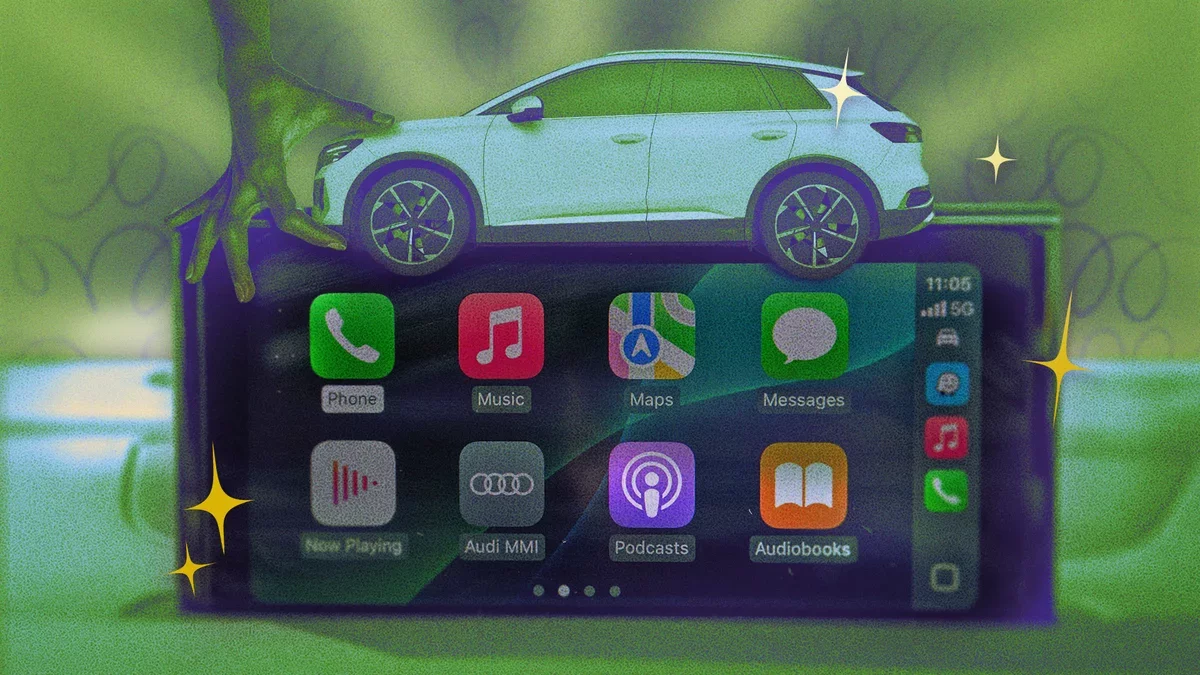
Apple's CarPlay seamlessly integrates your iPhone with your car's dashboard, enhancing your driving experience by allowing you to navigate, listen to music, and communicate without distraction. Here are ten innovative hacks to optimize your CarPlay usage.
Customize Your CarPlay Home Screen
Organize your CarPlay home screen by prioritizing the apps you use most. To rearrange or remove apps, navigate to Settings > General > CarPlay > [Your Vehicle] > Apps on your iPhone. This adjustment will synchronize with CarPlay instantly, allowing for a cleaner interface while driving.
Create Collaborative Playlists with SharePlay or Spotify Jam
Make road trips more enjoyable by using SharePlay on Apple Music or Jam on Spotify. These features enable passengers to contribute to playlists in real time. Only the host requires a premium subscription to initiate a session, making it easy for everyone to join in.
Incorporate iPhone Widgets for Quick Information Access
With iOS 16, you can add widgets to your CarPlay display for immediate access to information such as Weather and Calendar. To customize, go to Settings > General > CarPlay on your iPhone and select your vehicle.
Utilize Voice Control for Hands-Free Operation
CarPlay supports a variety of voice commands, allowing you to control your apps without taking your eyes off the road. To enable this feature, go to Settings > Accessibility and toggle Voice Control on.
Activate Announce Notifications for Incoming Messages
Stay connected without distraction by enabling Siri to read your messages aloud. To set this up, go to Settings > Notifications > Announce Notifications > CarPlay on your iPhone and select the apps you want notifications from.
Pin Favorites in Apple Music for Easy Access
In iOS 16, you can pin your most-loved playlists and songs to the top of your Apple Music library. This feature allows for quick access while driving, enhancing your listening experience.
Use Shortcuts to Manage Autoplay
Combat the annoyance of autoplaying media by creating a shortcut that pauses playback when your phone connects to CarPlay. Open the Shortcuts app, select Automation, and follow the prompts to set this up.
Set a Custom Greeting for CarPlay Connection
Make your CarPlay experience unique by setting a custom greeting that plays when you connect. Use the Shortcuts app to create this automation with a sound or message of your choice.
Optimize Your Driving Focus
Utilize the Driving Focus mode to silence notifications while driving. This can be activated when your iPhone connects to CarPlay, ensuring your attention remains on the road.
Implement Wireless CarPlay for Convenience
If your car has a wired CarPlay setup, consider adding a wireless adapter. This allows for a hassle-free connection, enabling you to enjoy the benefits of CarPlay without the need for constant plugging in.
By leveraging these tips, users can significantly enhance their CarPlay experience, making driving not only safer but also more enjoyable. As technology evolves, these innovations may redefine how we interact with our vehicles, paving the way for a more connected and intuitive driving future.